









Top-up instructions
PUBG Mobile Top-up Guidance
Please be sure to fill in the required information accurately to prevent your PUBG UC top-ups from being delayed.
Applicable Platform
PUBG Mobile game
Applicable Server
PUBG International server
(Do not support recharge for Korea, Japan, Vietnam, and Taiwan servers)
PUBG Mobile Top-up Required Information
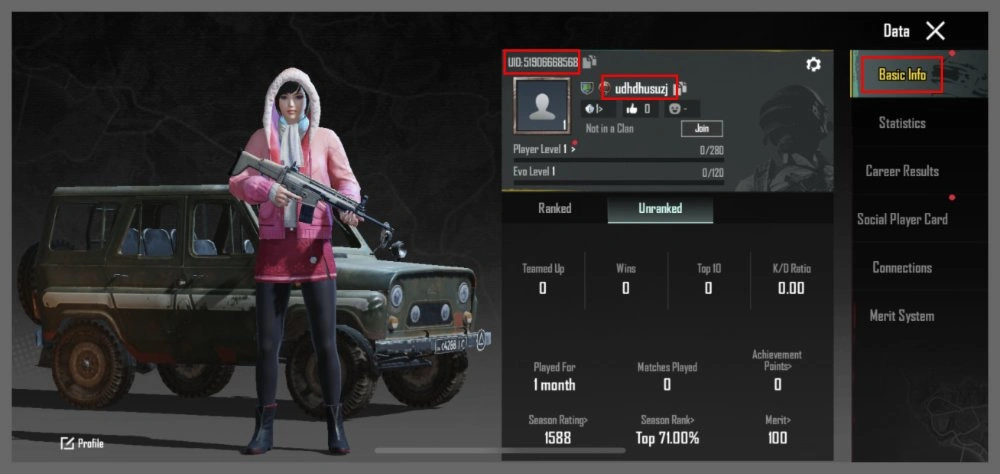
PUBG Mobile UID + Character Name
Top-up Result
After the successful Treabar Pubg UC top-up, you can check your UC in the in-game mail.
How to obtain the PUBG UID + Character Name?
About PUBG Mobile
PUBG Mobile is an epic battle royale, optimized for mobile devices. Extreme multiplayer battles are combined with intense survival. Fast-paced 10-minute matches, diverse maps and modes allow you to participate in strategic battles anywhere. Customizable controls, realistic weapons, and premium content ensure an ideal gameplay experience. It's suitable for both playing with friends and solo rank climbing.
What is UC?
- UC (Unknown Cash) is a premium currency for purchasing:
•Character/weapon skins
•Costumes and emotions
•Keys to premium chests
•Elite Pass (exclusive missions and rewards)
Что можно купить за UC?
- Battle Pass (сезонные награды)
- Скины для транспорта
- Эмоции и голосовые пакеты
- Сундуки со случайными предметами
- Спецбандлы со скидкой
How to get UC?
- Direct purchase in the app (various packages)
- Promotions (temporary UC rewards)
- Verified platforms (e.g., Treabar - safe + discounts)
Why Treabar?
● Low prices— maximum UC for minimum funds
●Safety— secure payments (PayPal/cards) + verification
●24/7 Support— assistance via email/chat
●Fast delivery — UC is credited within 3 minutes
How to recharge on Treabar.com
- Select the language and currency
- Log in to your Treabar account (or register)
- Go to: Home → Recharge → PUBG Mobile
- Enter your PUBG Mobile UID
- Select the amount of UC
- Click "Recharge now"
- Specify the payment method
- Click "Pay now"
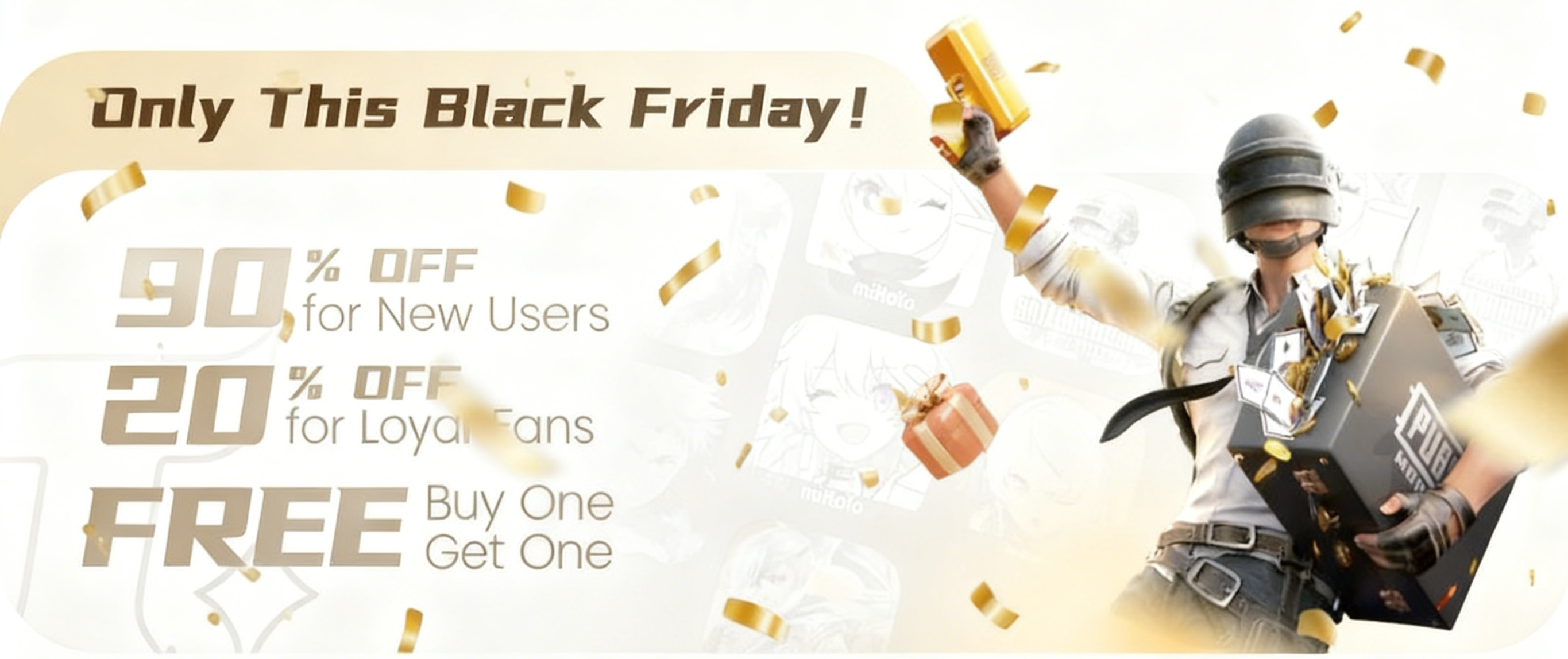
The biggest shopping frenzy of the year is finally here, and Treabar is rolling out our most exciting Black Friday deals yet! Massive discounts, exclusive rewards, and a chance to win big—this is an event you definitely don’t want to miss. 📅 Event Duration Hong Kong Time: 🕛 Nov 27, 00:00 → Dec 1,
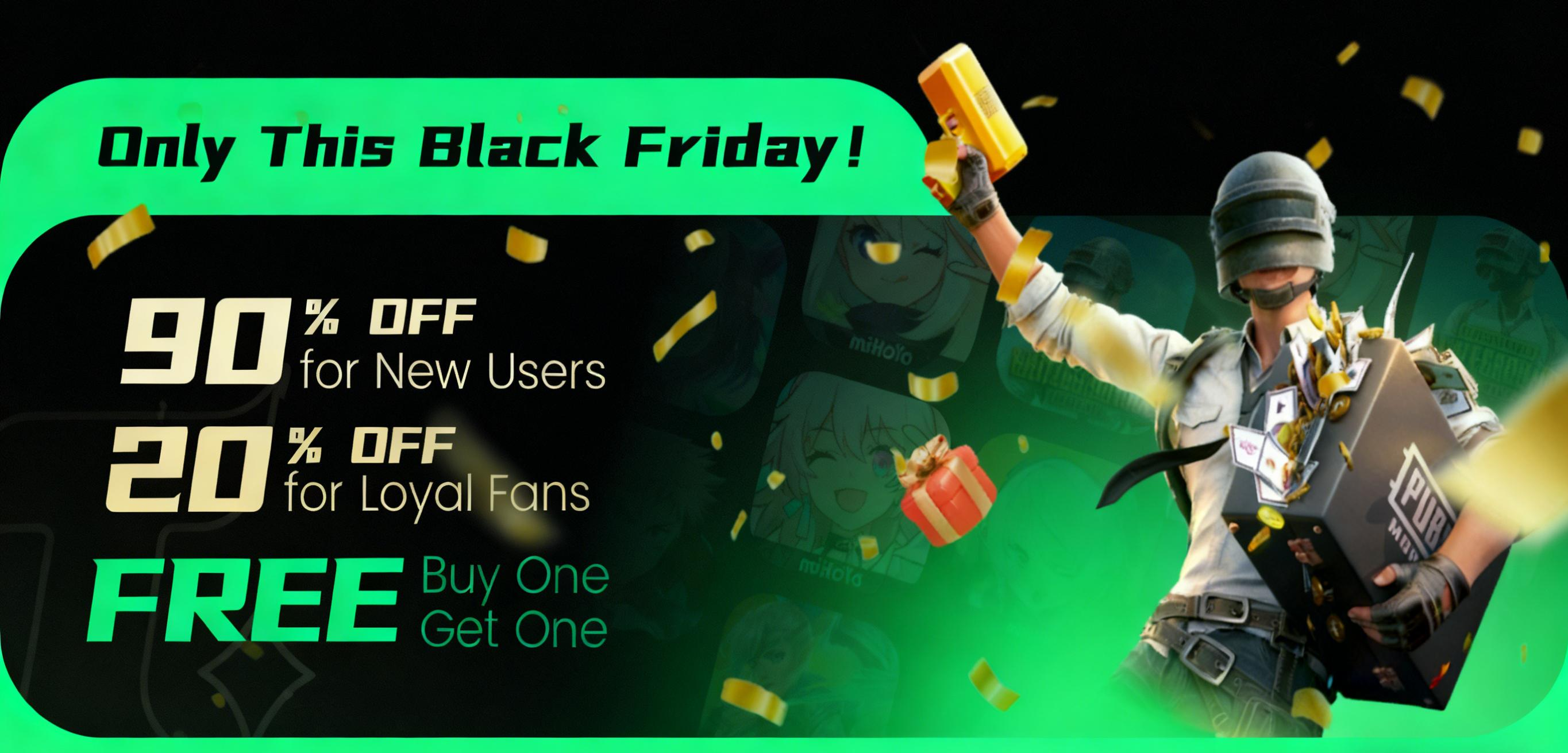
News · Guide · Event 2025-11-21 Get ready—the biggest shopping season of the year is just around the corner! To celebrate Black Friday, Treabar is rolling out a lineup of unbeatable promotions designed to bring you huge savings and exciting rewards. This limited-time event runs from: 📅 November 27,
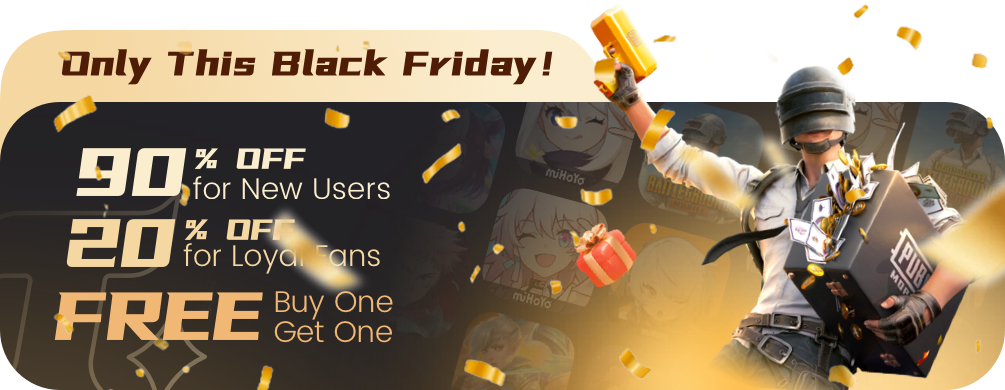
Get ready—the biggest shopping season of the year is here! To celebrate Black Friday, Treabar are launching a series of unbeatable promotions designed to bring you massive savings and exciting rewards. This limited-time event runs from: 📅 November 27, 00:00 → December 1, 00:00 (Hong Kong Time) 📅