


Máy chủ
 Global

Top-up instructions
Whiteout Survival Frost Star Pack Top-Up Guide
Please be sure to fill in the required information for the Frost Star pack recharge accurately to receive your recharged pack items promptly
Purchasing packs on Treabar will not trigger any in-game refunds. So far, no users have experienced refund issues for Whiteout Survival purchase.
Applicable Platform
Whiteout Survival Mobile & PC game
Applicable Server
Global server
Information Required for Top-up
The top-up required to log in your game to make the purchase
1. Whiteout Survival bound account(Google/Facebook)
2. Screenshot and the name of the package you want to purchase
Important Note: After the payment is successful, you need to cooperate with customer service to provide a Google or Facebook verification code. Please pay attention to the real-time message guidance of the customer service
Recharge Result
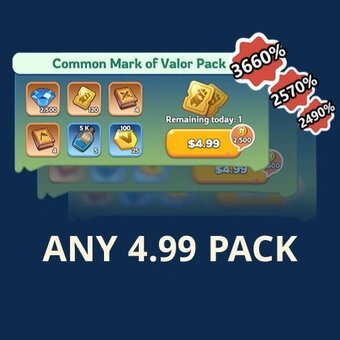
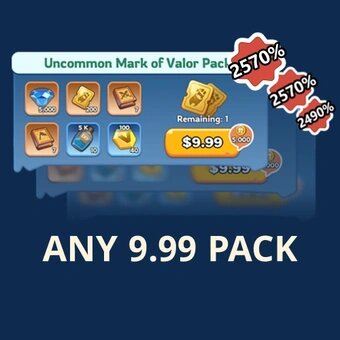
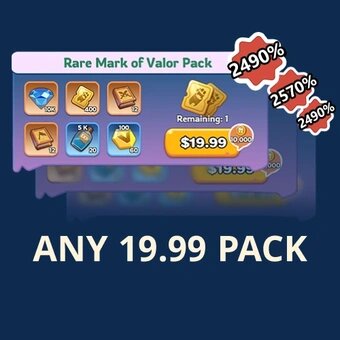
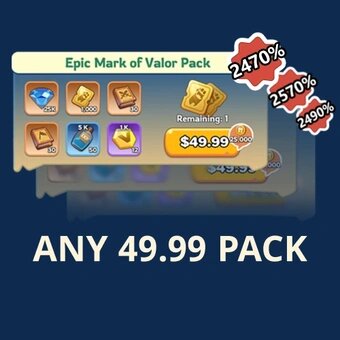
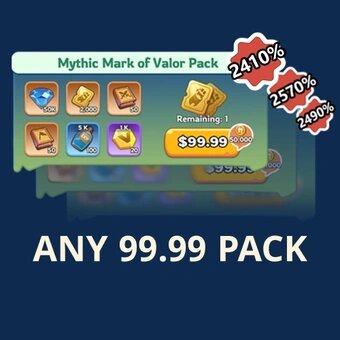
If you purchased the item "99.99 Standard packs", it is worth any 99.99 pack in the game.
For example, you can talk with customer service, and send them the related screenshots of the pack to decide which 99.99 pack to top-up for.
The same applies to other price packages
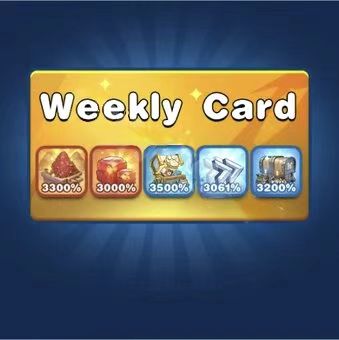
The following picture shows some of the 99.99 gift packs in the game
How to Obtain the In-Game bound account (Google/Facebook) + Package Name?
1. In-game Bound account(Google/Facebook)
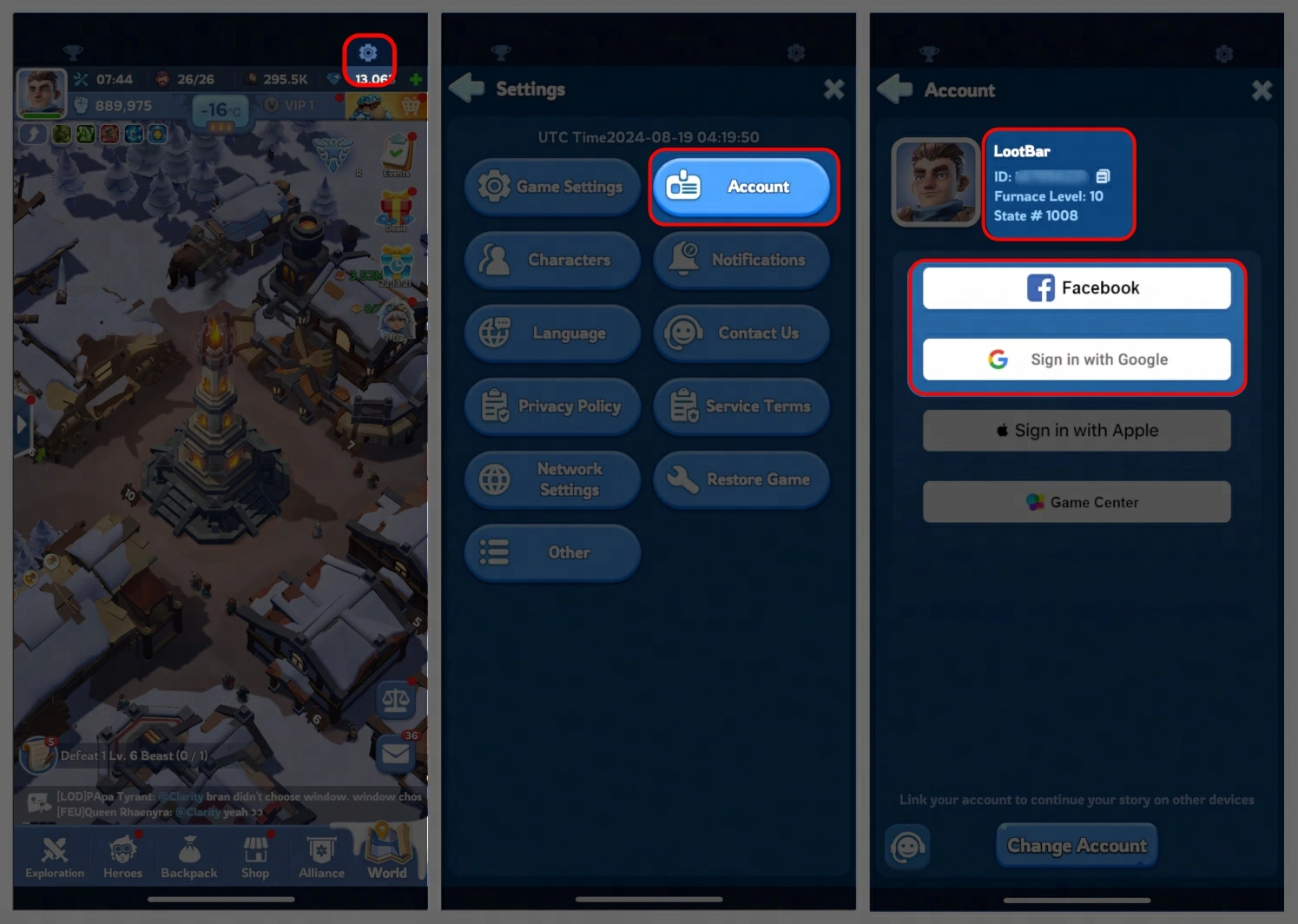
Log in to the game -> Click the "Gear Icon" on the upper right corner -> Select "Account" -> Link your game account with Google/Facebook.
2. Select Package:
Log in to the game and provide the name of the package you want to buy in the game, and we will purchase the package for you.
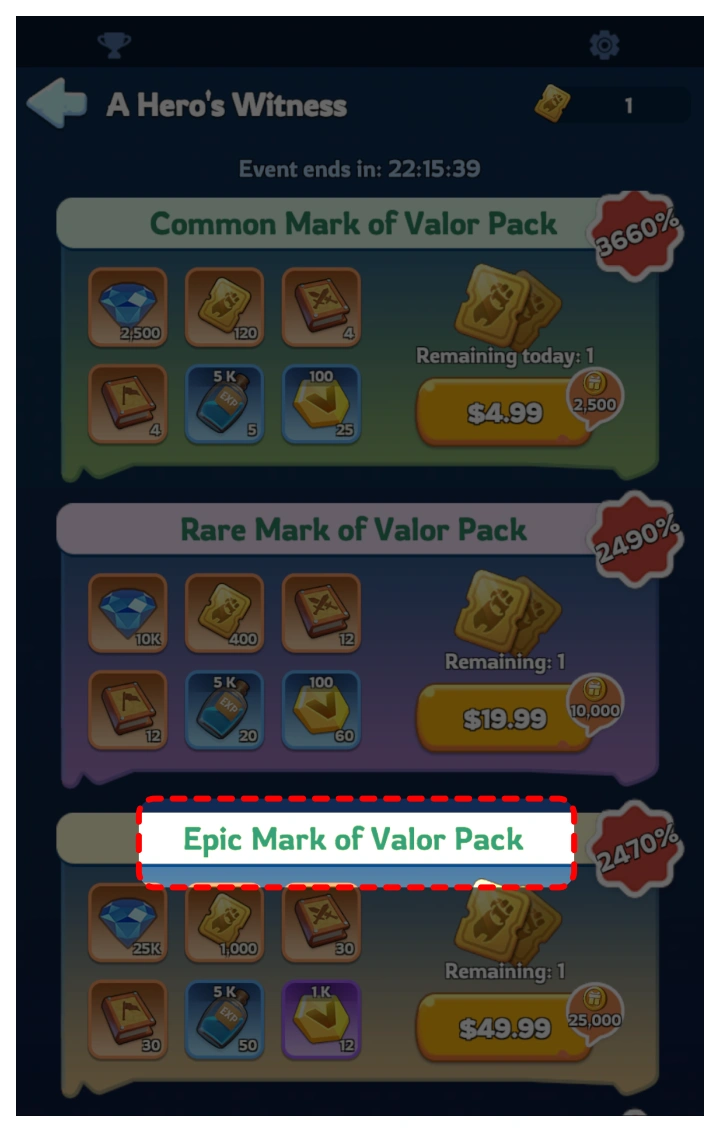
Example: If you want to buy the package shown in the picture below, please enter "Mythic Mark of Valor Pack" when you submit the information. And remember to provide a corresponding screenshot of the pack.
Top-up Procedures
1. Place your order and complete the payment.
2. Please provide your account information (Google/Facebook Login) after the payment for us to log in and complete the top-up.
Please do not log in to the game during this process.
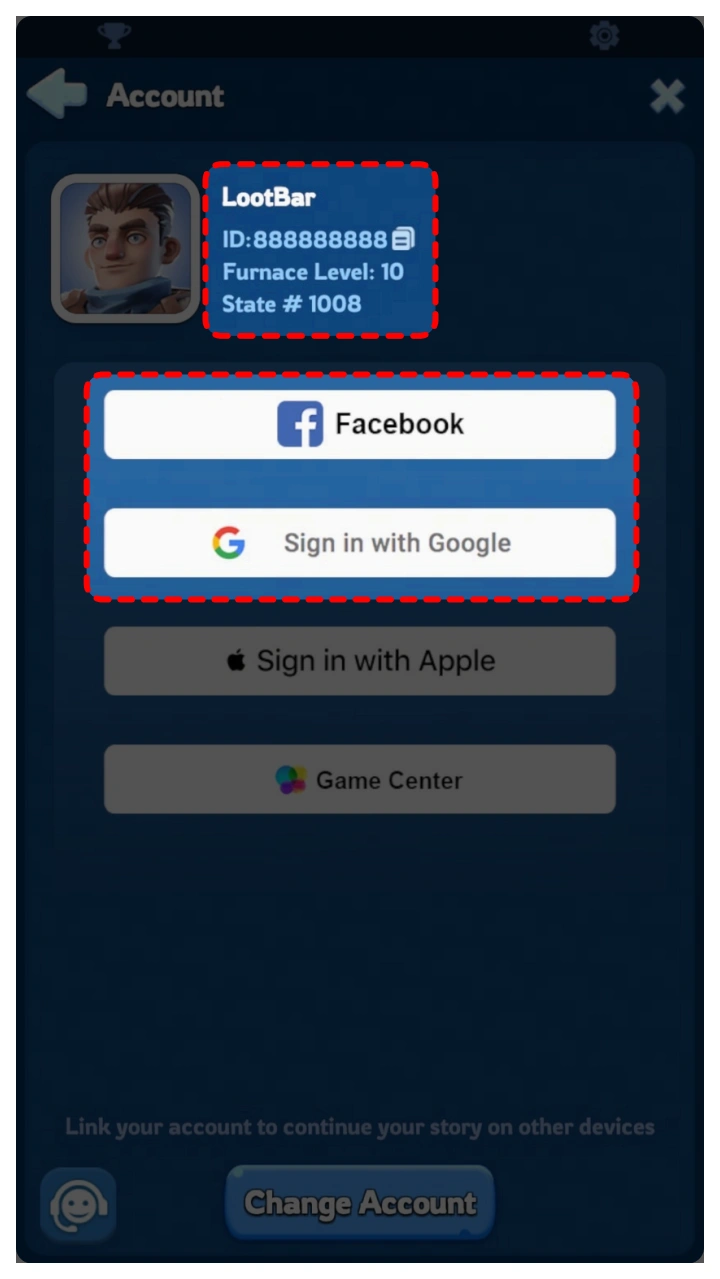
3. Provide a screenshot of the pack to Customer Service like this. We will purchase/top up the items in the game based on the product you ordered.
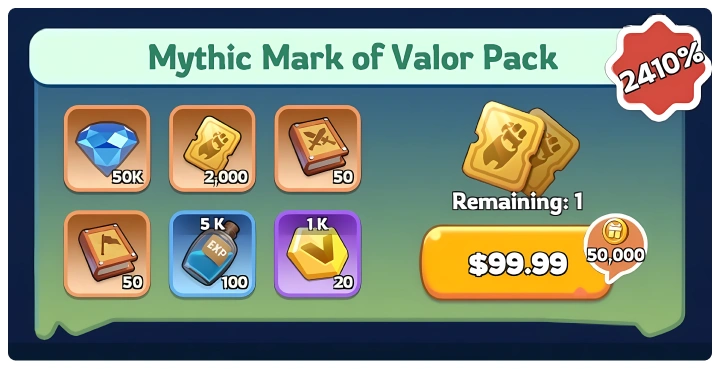
4. After we complete the purchase/top-up, we will log out of your account and clear the login history.
5. You will receive a notification once the top-up is complete, and you can then log in to the game to verify the transaction.
About Whiteout Survival
Whiteout Survival is a survival strategy game that revolves around a glacial apocalypse theme, offering captivating mechanics and intricate details for players to explore.
The catastrophic decline in global temperatures has wreaked havoc on human society. Survivors are now confronted with a new array of challenges: severe blizzards, ferocious beasts, and opportunistic bandits seeking to prey on their despair.
As the leader of the last city in this frozen landscape, you shoulder the responsibility of being the sole hope for the continued existence of humanity. Can you successfully guide the survivors through the ordeal of adapting to the hostile environment and re-establishing civilization? The time for you to rise to this challenge is now!
About Whiteout Survival Frost Star
Upon topping up Whiteout Survival, you will obtain Frost Star, the premium in-game currency. Frost Star can be utilized to procure various items within the game, such as vital resources, speedups, heroes and skins. The Whiteout Survival Frost Star top-up allows you to navigate this ruthless environment with an egde, accelerate your advancement, enrich your resources, and strengthen your city against constant threats. So why wait when you can save time and enhance the game experience?
How to Top Up Whiteout Survival Frost Star on Treabar ?
To purchase Whiteout Survival Frost Star, please follow these steps:
1. Log in to your Treabar account or sign up if you haven't one.
2. Enter your Whiteout Survival UID.
3. Select the amount of Frost Star you want to buy and click on the "Top-up now" button.
4. Select a preferred payment method, then click on the "Pay Now" button to complete the payment.
5. Once payment is made, your top-up will be credited to your account.